| Candidates should be able to: | Notes and guidance |
|---|---|
| 1 Define a single-table database from given data storage requirements | • Including: – fields – records – validation |
| 2 Suggest suitable basic data types | • Including: – text/alphanumeric – character – Boolean – integer – real – date/time |
| 3 Understand the purpose of a primary key and identify a suitable primary key for a given database table | |
| 4 Read, understand and complete structured query language (SQL) scripts to query data stored in a single database table | • Limited to: – SELECT – FROM – WHERE – ORDER BY DESCENDING – ORDER BY ASCENDING – SUM – COUNT – AND – OR • Identifying the output given by an SQL statement that will query the given contents of a database table |
Databases
IGCSE Computer Science · Topic 9
 8:17
8:17
Databases
Before computers, a library kept a drawer like this. One card per book, each holding the same few facts, all kept in order — so a librarian could find any book…
English narration · English + 中文 subtitles burned in
Syllabus
Source: Cambridge International syllabus
9.1
What is a database?
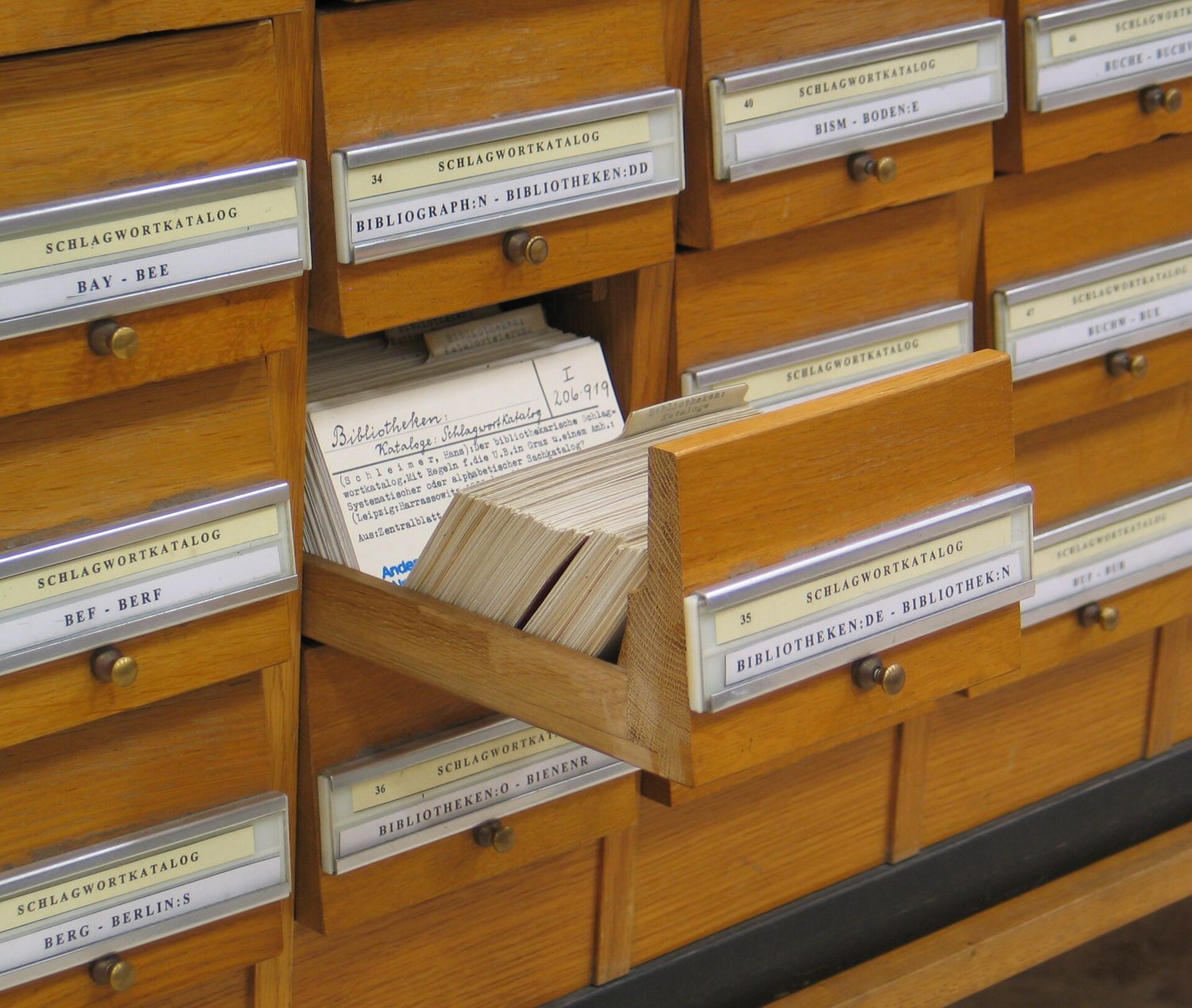
A database 数据库 is an organised store of data, kept so that it is easy to search, sort and update. At IGCSE you work with a single-table database 单表数据库 — all the data is held in one table.

Vocabulary
Train
| English |
|---|
| database/ˈdeɪtəbeɪs/ |
| single-table database/ˈsɪŋɡl ˈteɪbl ˈdeɪtəbeɪs/ |
9.2
Records and fields

A database table is made of records and fields.
- A record 记录 is one row in the table — all the data about one thing (for example one student).
- A field 字段 is one column in the table — one piece of data that every record has (for example "First name").
| StudentID | FirstName | DateOfBirth | FormClass | FeesPaid |
|---|---|---|---|---|
| 1 | Amy | 14/03/2009 | 10A | TRUE |
| 2 | Ben | 02/11/2008 | 10B | FALSE |
Here each row is a record, and each column is a field.
Vocabulary
Train
| English |
|---|
| record/ˈrekɔːd/ |
| field/fiːld/ |
9.3
Data types for fields

Each field stores one data type 数据类型. You choose the type that best fits the data.
| Data type | Used for | Example |
|---|---|---|
| text/alphanumeric 文本 | letters, digits and symbols | "10A", "Amy" |
| character 字符 | a single character | 'M' |
| Boolean 布尔值 | one of two values | TRUE / FALSE |
| integer 整数 | a whole number | 42 |
| real 实数 | a number with a decimal point | 3.5 |
| date/time 日期时间 | a date or a time | 14/03/2009 |
Vocabulary
Train
| English |
|---|
| data type/ˈdeɪtə taɪp/ |
| text/alphanumeric/tekst ˌælfənjuːˈmerɪk/ |
| character/ˈkærɪktə/ |
| Boolean/ˈbuːlɪən/ |
| integer/ˈɪntɪdʒə/ |
| real/rɪəl/ |
| date/time/deɪt taɪm/ |
9.4
The primary key
A primary key 主键 is a field that holds a unique 唯一的 value for every record. No two records can have the same primary key, so it lets you pick out exactly one record.
In the table above, StudentID is a good primary key because every student has a different number. A field like FormClass would be a bad primary key, because many students share the same class.
Vocabulary
Train
| English |
|---|
| primary key/ˈpraɪməri kiː/ |
| unique/juːˈniːk/ |
9.5
Validation in a database

When data is put into a database, validation 验证 checks make sure it is sensible — for example a range check on an age field, or a presence check so a field is not left empty. (You saw these checks in topic 7.)
Vocabulary
Train
| English |
|---|
| validation/ˌvælɪˈdeɪʃn/ |
9.6
Structured Query Language (SQL)

Structured Query Language 结构化查询语言 (SQL) is a language used to query 查询 a database — to pick out the records you want. You must understand and complete SQL scripts.
SELECT, FROM and WHERE
SELECTsays which fields to show.FROMsays which table to use.WHEREgives a condition 条件, so only matching records are shown.
SELECT FirstName, FormClass
FROM Student
WHERE FeesPaid = TRUE;
This shows the first name and class of every student who has paid the fees.
Use * to select all fields:
SELECT *
FROM Student
WHERE FormClass = '10A';
ORDER BY
ORDER BY sorts the results. Use ASC for ascending 升序 (smallest first, A→Z) or DESC for descending 降序 (largest first, Z→A).
SELECT FirstName, DateOfBirth
FROM Student
ORDER BY DateOfBirth ASC;
AND and OR
Join conditions with AND (both must be true) or OR (at least one must be true).
SELECT FirstName
FROM Student
WHERE FormClass = '10A' AND FeesPaid = FALSE;
SUM and COUNT
SUMadds up the values in a number field.COUNTcounts how many records match.
SELECT COUNT(StudentID)
FROM Student
WHERE FeesPaid = FALSE;
This counts how many students have not paid. SUM works the same way but adds a number field instead of counting rows.
Working out the output
To find the output of an SQL script, read it in this order:
FROM— which table;WHERE— keep only the records that match the condition;SELECT— show only the chosen fields;ORDER BY— put the results in order.

Following these steps, you can write down exactly which rows and columns the query returns.
Worked example. A Book table has the fields Title, Author, Price and InStock. Write a query showing the title and price of every book by Orwell that is in stock, cheapest first.
SELECT Title, Price
FROM Book
WHERE Author = 'Orwell' AND InStock = TRUE
ORDER BY Price ASC;
Build it in the reading order: FROM names the table; WHERE keeps only the matching records, and because there are two conditions they need AND; SELECT shows only the two fields asked for; ORDER BY … ASC sorts them. Text values go in quotes, and only the fields the question asks for belong in SELECT - adding Author just because you filtered on it is the commonest way to lose a mark here.
Explore
SELECT … WHERE
Step through a query: WHERE filters rows, SELECT picks columns.
Vocabulary
Train
| English |
|---|
| structured query language/ˈstrʌktʃəd ˈkwɪərɪ ˈlæŋɡwɪdʒ/ |
| query/ˈkwɪərɪ/ |
| condition/kənˈdɪʃn/ |
| ascending/əˈsendɪŋ/ |
| descending/dɪˈsendɪŋ/ |
9.7
Exam tips
- A record is a row (all the data about one thing); a field is a column (one item that every record has).
- A primary key must be unique for every record, so it picks out exactly one record (StudentID, not FormClass).
- Learn the SQL parts:
SELECT(which fields),FROM(which table),WHERE(the condition),ORDER BY(sort, ASC or DESC). - Read a query in the order FROM → WHERE → SELECT → ORDER BY to work out its output.
COUNTcounts the matching records;SUMadds up a number field.
Interactive lessons on this topic
Work through it step by step, with instant-check exercises.