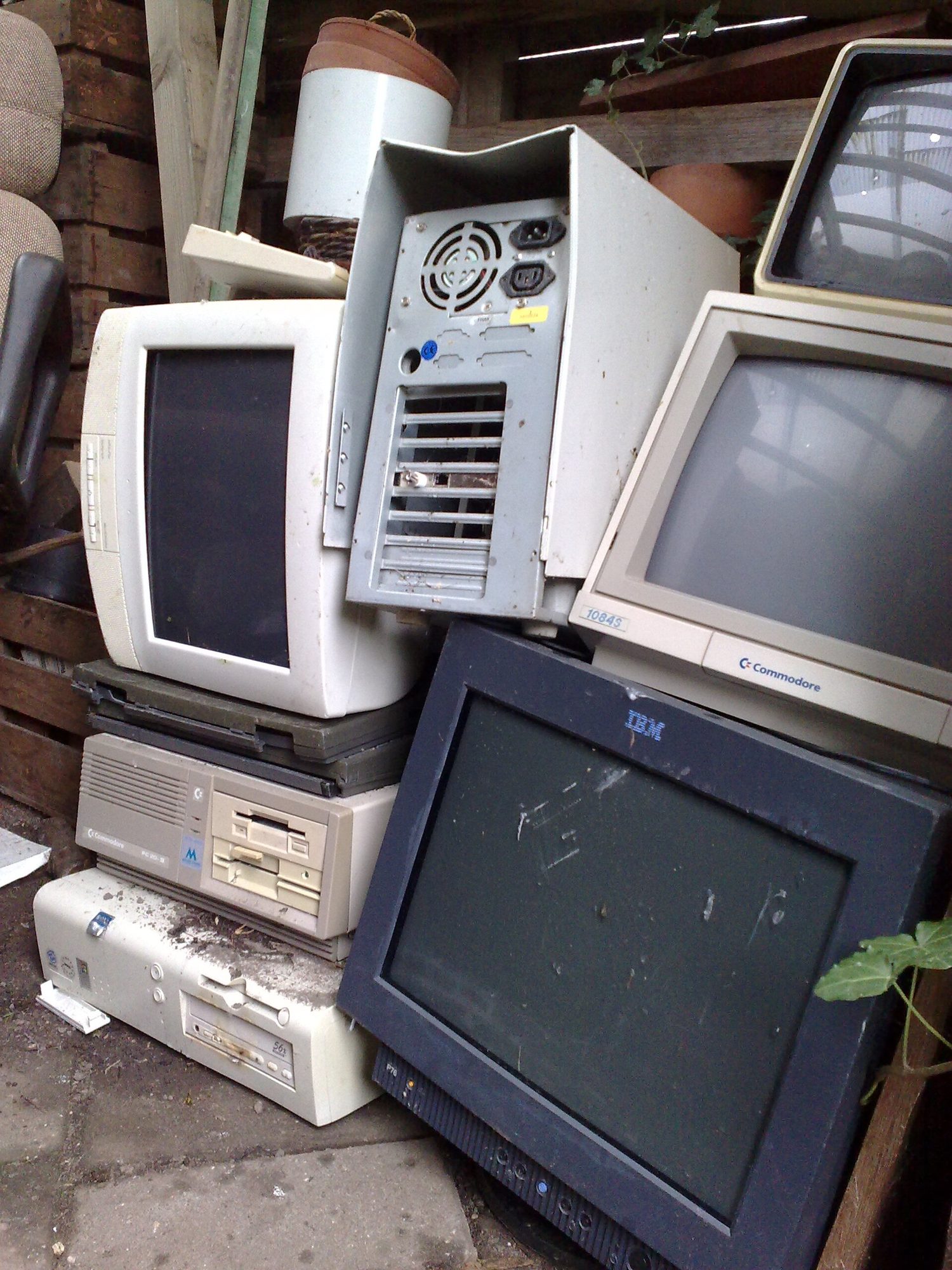
A pile of e-waste — computing has environmental costs as well as benefits
Every computing innovation can be used in ways that help and ways that harm – often the same technology does both. A social network connects people and can spread misinformation; automation raises productivity and can remove jobs. Effects are frequently unintended: creators cannot foresee every use. When you evaluate a computing innovation, weigh its benefits and harms on people and society, and remember that harms are not always deliberate.
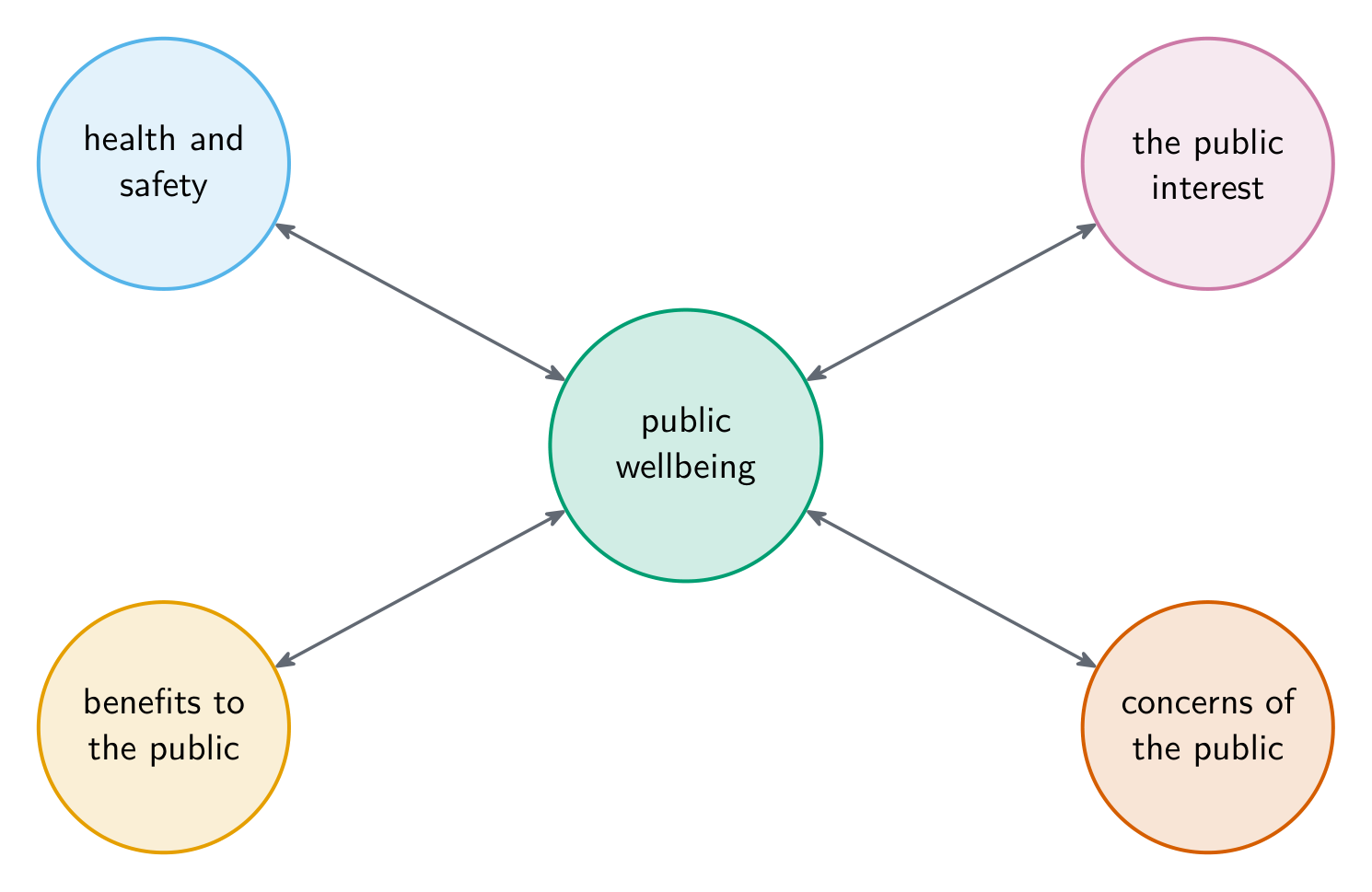
Computing affects the public's wellbeing in several ways
Computing also generates creativity in other fields, which the CED asks for as a benefit in its own right, not merely as convenience: modelling and imaging in medicine, simulation in engineering, new forms in the arts and music, and new kinds of communication entirely. An innovation's beneficial effects are often in a field far from computing.
Worked example. Give one beneficial and one harmful effect of map apps that suggest the fastest route.
Beneficial: drivers save time and fuel, and delivery firms plan routes more cheaply.
Harmful, and unintended: routing many drivers through quiet side streets brings heavy traffic to homes that never had it.
Each effect names who is affected and how. "It is convenient" or "it can be hacked" are too general to earn credit.
The digital divide 数字鸿沟 is the unequal access to computing and the Internet across groups – by income, geography, age, or country. Those with access gain education, jobs, and services; those without fall further behind. The divide is shaped by economic, social, and geographic factors, and efforts to close it (affordable devices, public access, infrastructure) aim to make computing's benefits fairer.
Worked example. Which situation shows the digital divide?
A a student chooses not to use social media;
B a village has no broadband, so its students cannot join online lessons;
C a website is slow during a sale;
D a company stores data in the cloud.
B: a group lacks access because of where it is. A is a choice, not a lack of access; C and D are about performance and storage.
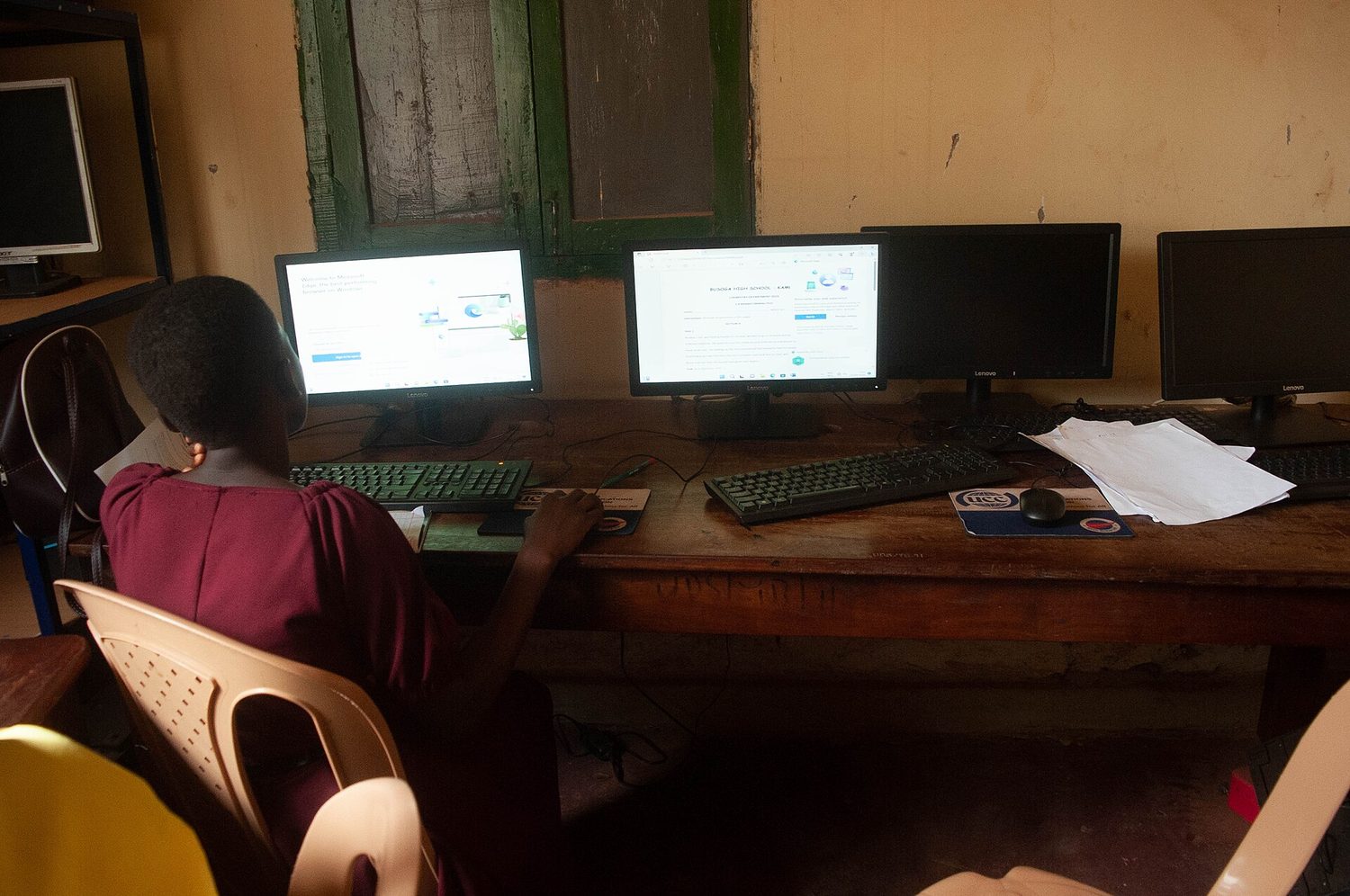
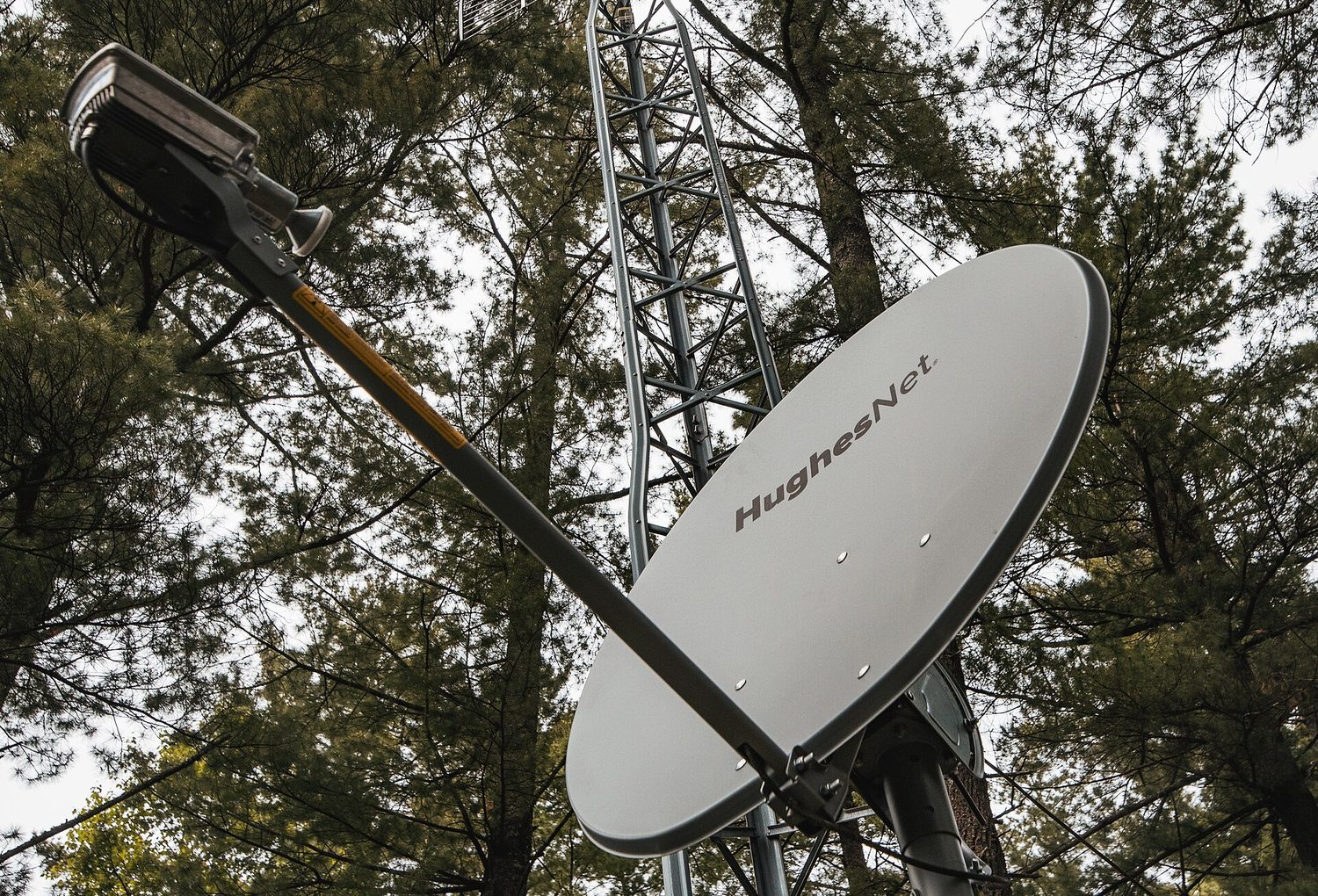
Public library computers: digital divide is about unequal access to devices, connectivity and skillsA rural satellite dish: geography still shapes who gets fast internet and who waits
A self-driving car on a city street — autonomous systems raise safety and bias questions
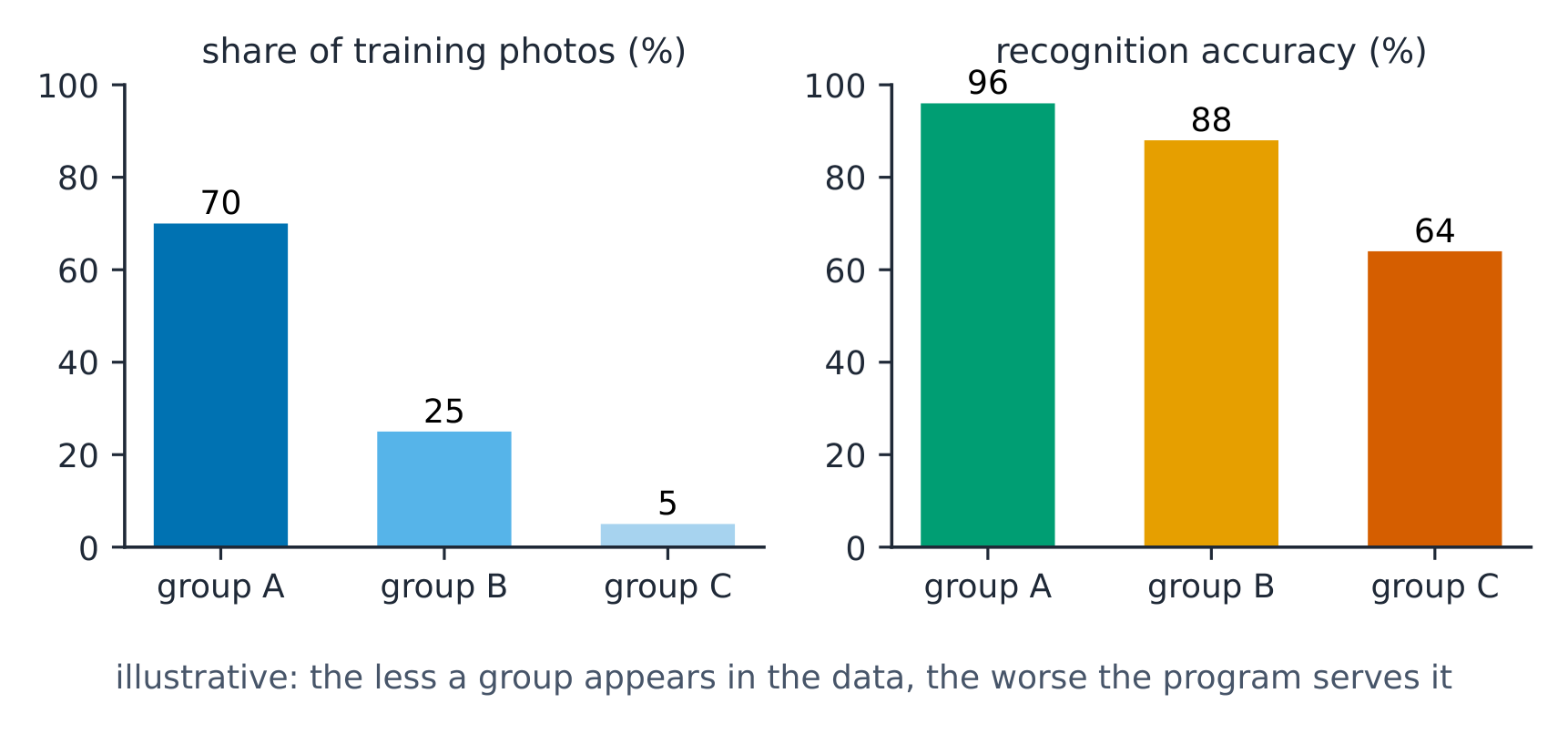
Bias 偏见 can be built into computing systems – often unintentionally. If the data used to build a system reflects existing prejudice, or if the designers' assumptions are one-sided, the system can produce unfair results (for example, a hiring tool that favors one group). Bias can enter at every stage – data collection, design, and use – so systems should be tested for fairness across different groups. Recognizing that "the computer said so" is not the same as "fair" is an important habit.
Worked example. A voice assistant is trained on recordings of adults only. It often misunderstands children.
Where the bias entered: data collection; the training data left out a group of users.
The effect: children get worse service, although no one meant this.
A fix: collect recordings from children too, and test accuracy for each age group before release.
A program trained on unrepresentative data works worse for the groups it rarely saw (illustrative)
Crowdsourcing 众包 obtains input, ideas, or funding from a large group of people, usually online. It harnesses the knowledge and effort of many – mapping projects, product reviews, citizen science, and crowdfunding all rely on it. The Internet makes crowdsourcing possible at a scale and speed never before achievable, letting a project draw on contributors worldwide.
Worked example. A citizen-science site asks volunteers to sort millions of telescope photos of galaxies by shape.
Benefit: thousands of people finish in weeks what a few scientists would take years to do.
Limitation: volunteers make mistakes, so each photo is shown to several people and the majority answer is kept.
A Wikipedia edit-a-thon: crowdsourcing pools many people's work into a shared resource
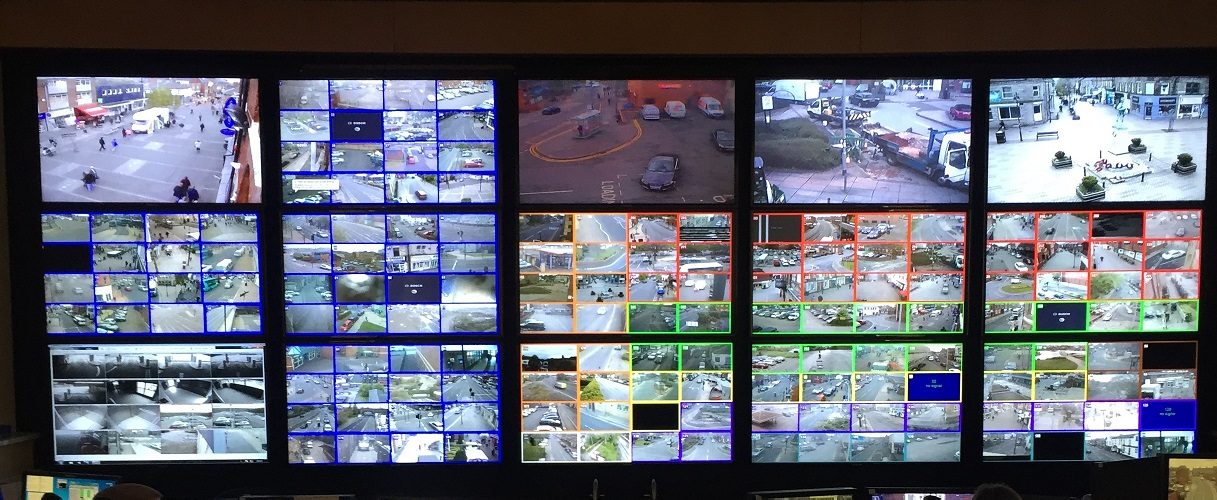
A CCTV control room: surveillance systems trade safety gains against privacy concerns
Computing raises questions of law and ethics:
Intellectual property 知识产权 and copyright 版权 protect creators' work; using it may require permission or a license. Open-source 开源 and Creative Commons licenses let creators share work under stated terms.
Plagiarism 抄袭 – using others' work as your own – is unethical and often illegal.
Collecting and using personal data raises privacy questions about consent and misuse.
The three "open" terms, which are not the same thing
Term
What it means
open source
programs that are made freely available and may be redistributed and modified by anyone. The licence grants those rights explicitly — free of charge is not the same as open source, and a free program you may not modify is not open source.
open access 开放获取
research and other content made available online without charge, so a reader does not need a subscription. It says nothing about the right to modify.
Creative Commons 知识共享
a family of licences a creator applies to their own work to grant specific permissions in advance — for example "you may reuse this if you credit me" or "you may reuse this but not commercially".
All three are ways of granting rights the creator holds by default under copyright. That is why they matter for the exam: copyright is automatic, so anything not explicitly licensed is restricted, and using it needs permission.
Just because something is technically possible does not make it legal or ethical.
What is recorded while you browse
Two collection routes the CED names, and neither needs you to type anything:
Websites can record and maintain a history of the individuals who have viewed their pages — which pages, when, how long, and from which device.
Search engines can use your search history to suggest websites, and to sell targeted marketing: the advertisement follows the search, which is why a product looked up once then appears for weeks.
Neither is inherently malicious, and both are the mechanism behind services people find useful. The point the exam wants is that data collected for one purpose can be combined and used for another, often without the person realising they agreed to it.
Protecting personal data is a shared responsibility. Key ideas:
Encryption scrambles plaintext with a key; only the key can decrypt it
Personally identifiable information (PII) 个人身份信息 (name, address, ID numbers) should be shared carefully, because it can be misused for identity theft 身份盗窃.
Threats include phishing 网络钓鱼 (tricking you into revealing information), malware 恶意软件, and weak passwords.
A malicious link can be disguised on a web page or in an email message: the text you see and the address it actually goes to are separate, so a link reading www.yourbank.com can point anywhere. Hover to see the real destination before clicking, and be most suspicious of a link that arrives unexpectedly and creates urgency.
Defenses include strong, unique passwords, multi-factor authentication 多因素认证, encryption 加密 (scrambling data so only authorized people can read it), and keeping software updated.
Encryption is the central tool for keeping data private in transit and storage. Being a responsible computer user means protecting your own and others' information.
Exam skill: be able to identify the beneficial and harmful effects of a given innovation, explain a privacy or security risk, and name a safe-computing practice that addresses it.
Worked example. A hiring algorithm is trained on a company's past hires, who were mostly one group, and it then rejects qualified applicants from other groups. Name the problem and its cause: this is computing bias, caused by biased training data — the model learned the historical pattern instead of a fair rule. A full-mark exam answer states the harm (qualified people are unfairly rejected) and its cause (the bias came from the data, not the code).