Input and output devices
Introduced| English | Meaning |
|---|---|
| input device/ˈɪnpʊt dɪˈvaɪs/ | input device |
| output device/ˈaʊtpʊt dɪˈvaɪs/ | output device |
| barcode/ˈbɑːkəʊd/ | barcode |
| sensors/ˈsensəz/ | Devices that detect physical quantities and produce signals representing their measurements. |
| touch screen/tʌtʃ skriːn/ | touch screen |
| resistive/rɪˈzɪstɪv/ | Using changes in electrical resistance or contact between conductive layers to detect an input. |
| capacitive/kəˈpæsɪtɪv/ | Using changes in capacitance to detect an input, such as a finger touching a screen. |
| toner/ˈtəʊnə/ | Fine powder used by laser printers to form text and images on paper. |
| actuator/ˈæktʃuːeɪtə/ | A device that converts a control signal into a physical action, such as movement. |
Talking to the computer
- An input device 输入设备 sends data into the computer.
- An output device 输出设备 sends results out to the user.
- Knowing how each works (and which is which) is a common exam task.
Device and storage lab
Classify computing examples by what job they do in a system.
Input devices
- Keyboard (sends a code per key), optical mouse (light + sensor tracks movement).
- Barcode 条形码/QR scanner (reads a pattern), digital camera (lens → sensor → pixels).
- Microphone (sound → electrical signal), sensors 传感器 (measure a physical quantity).
- A touch screen 触摸屏 is also an input device.

A sensor measures a physical quantity and sends it to the computer as input

An inkjet printer sprays tiny drops of ink onto the paper
Which is an input device?
Difficulty 1/5 · 100 coins + a small bonus on first completion today
A scanner brings data in. Projectors, speakers and printers are output devices.
Sort these into input or output.
Difficulty 2/5 · 140 coins + a small bonus on first completion today
Microphones and sensors bring data in; speakers send sound out.
Touch screen types
- Resistive 电阻式 — two layers are pressed together where you touch.
- Capacitive 电容式 — it senses the tiny electric charge of your finger (used in phones).
- Infrared — your finger breaks a grid of light beams.
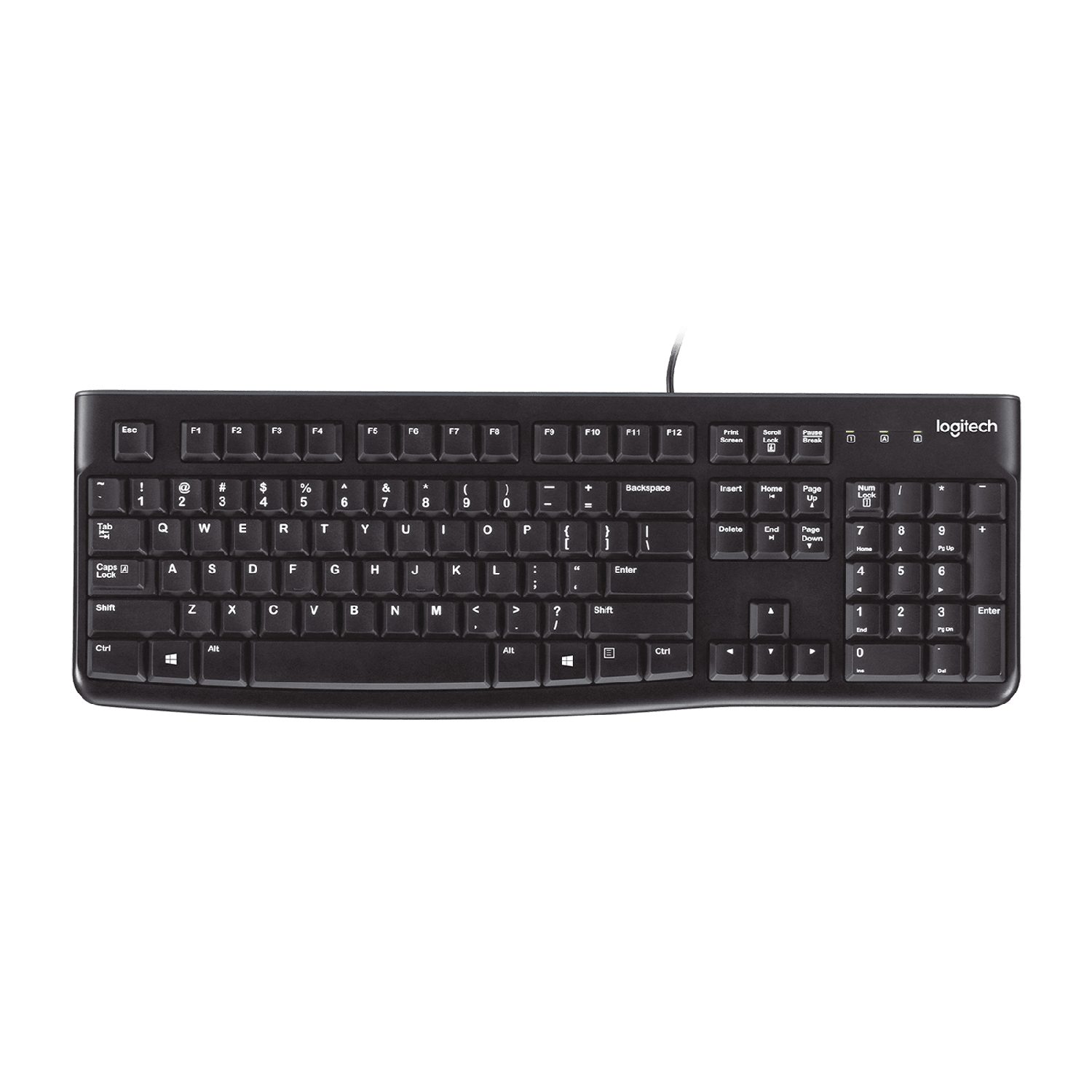
A keyboard: each key press sends a code for that character
A capacitive touch screen works by:
Difficulty 1/5 · 100 coins + a small bonus on first completion today
Capacitive screens detect the finger's charge (multi-touch, used in phones); resistive presses layers; infrared breaks beams.
Output devices
- LCD/LED screen and projector show images; speaker makes sound.
- Inkjet printer sprays ink drops; laser printer uses a laser + toner 墨粉 fixed by heat; 3D printer builds an object layer by layer.
- An actuator 执行器 turns a signal into movement (a motor or valve).
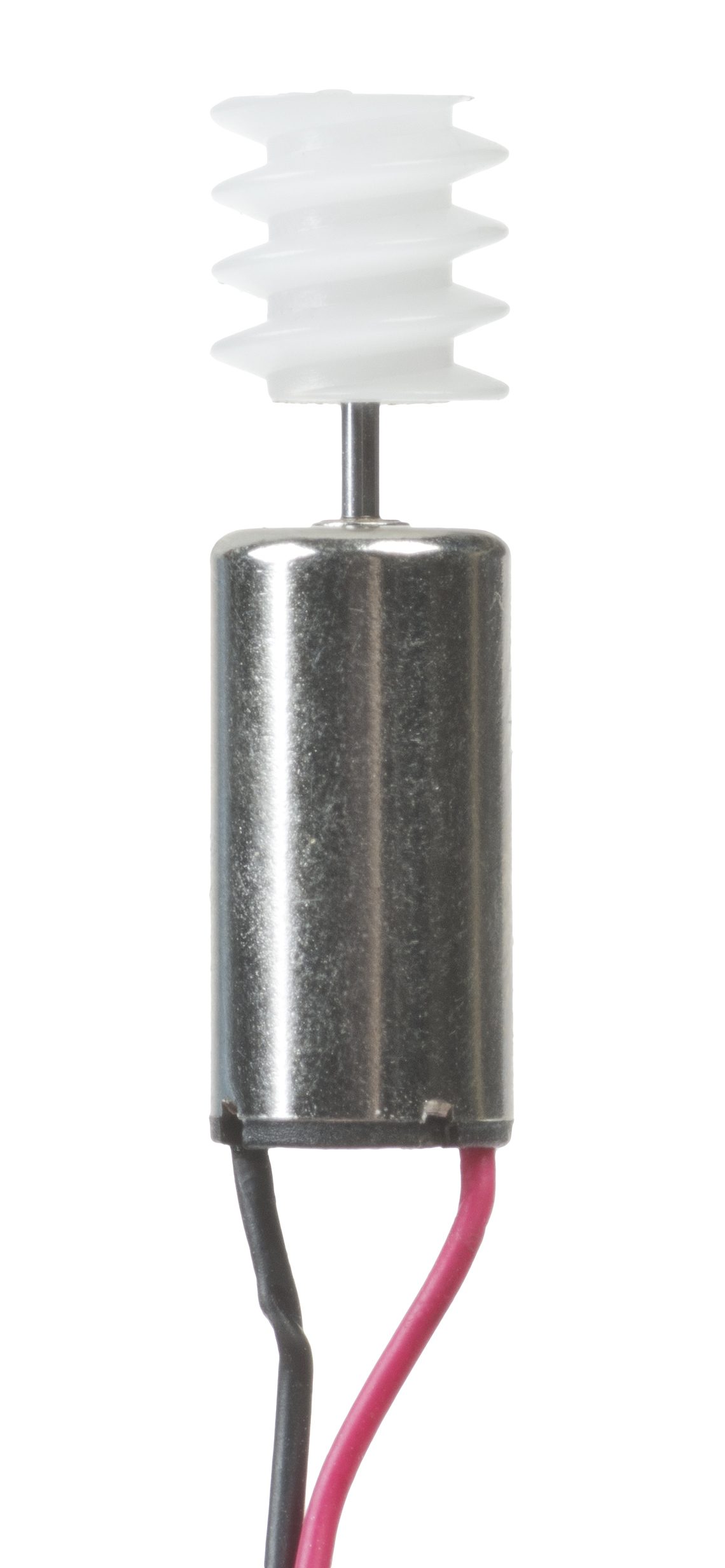
An actuator turns a signal into movement — here a small electric motor

A flatbed scanner: it shines light across a page to copy it into the computer
An actuator is an output device that:
Difficulty 1/5 · 100 coins + a small bonus on first completion today
An actuator (motor, valve) converts a signal into physical movement.
A laser printer fuses toner powder onto paper with heat, an inkjet sprays tiny drops of ink, and a 3D printer builds an object up in layers.
Difficulty 1/5 · 100 coins + a small bonus on first completion today
Three different output technologies: laser (toner + heat), inkjet (sprayed ink), 3D (layer-by-layer).
You've got it
- input brings data in (keyboard, scanner, sensor, camera, mic, touch screen)
- touch screens: resistive (pressed layers), capacitive (finger charge), infrared (broken beams)
- output sends results out (screen, printer, speaker, actuator = movement)
- inkjet sprays ink; laser uses toner fixed by heat