Network hardware
Introduced| English | Meaning |
|---|---|
| network interface card/ˈnetwɜːk ˈɪntəfeɪs kɑːd/ | Hardware that provides a computer with a connection to a network. |
| MAC address/mæk əˈdres/ | A link-layer identifier used to address a network interface within a local network. |
| IP address/ˌaɪ ˈpiː əˈdres/ | A numerical address used to identify and route traffic to an interface on an Internet Protocol network. |
| router/ˈruːtə/ | A network device that forwards packets between networks using destination addresses and routing information. |
The boxes that connect us
- To join a network, a device needs a network interface card 网络接口卡.
- Devices are identified by a MAC address MAC地址 and an IP address 网际协议地址.
- A router 路由器 connects different networks together.
Network route lab
Follow data from a device through network hardware and protocols.
Network interface card (NIC)
- A NIC is the hardware that lets a device join a network and send/receive data.
- Each NIC has a built-in MAC address.
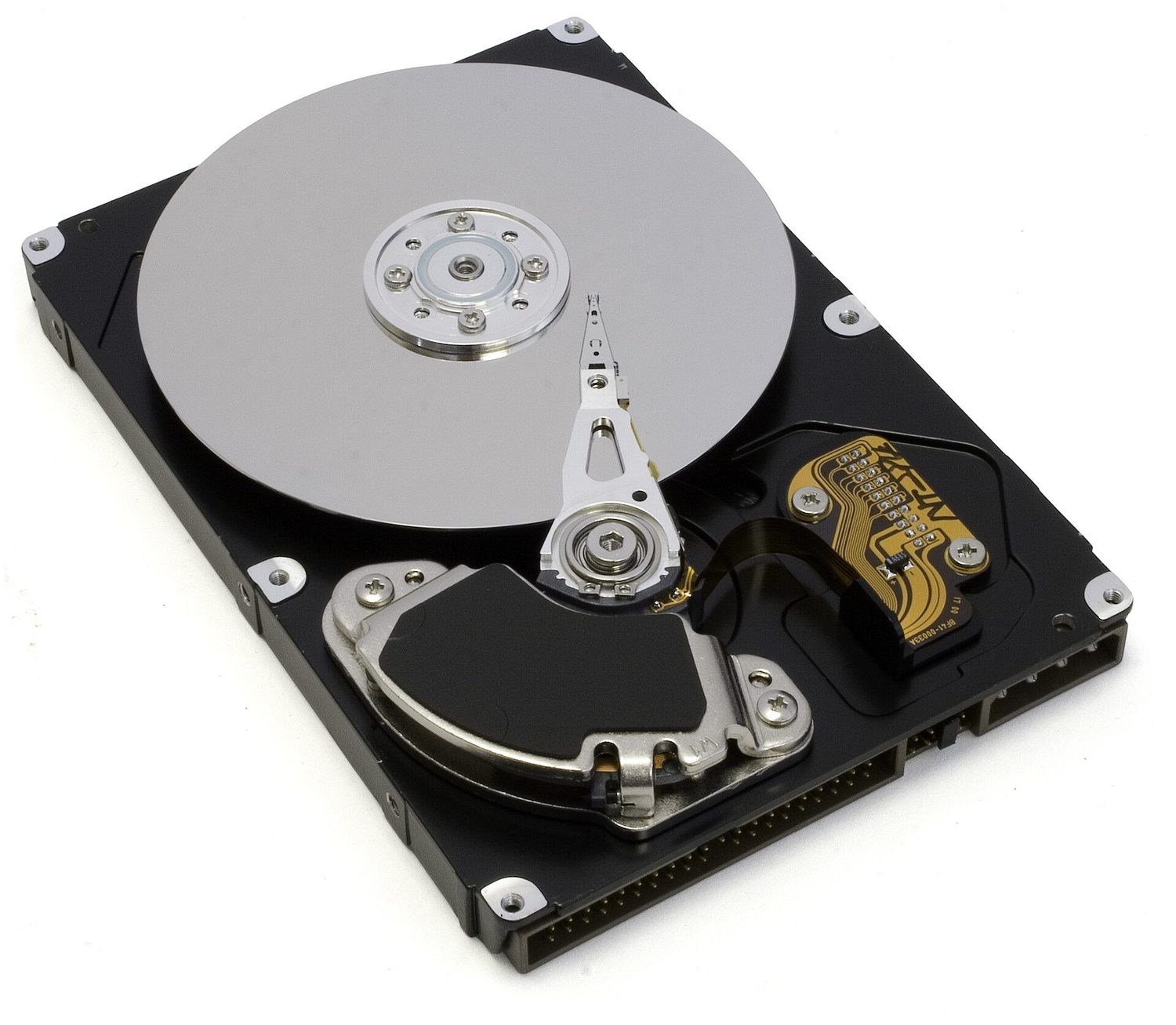
Inside a hard disk drive (HDD): the shiny disk spins and the arm reads the magnetised data

A digital camera: a lens focuses light onto a sensor that records the pixels
Match each piece of network hardware to its job.
Difficulty 2/5 · 140 coins + a small bonus on first completion today
A NIC joins a device on; a switch forwards inside the LAN; a router joins networks; the MAC is the device's fixed ID.
MAC address vs IP address
- A MAC address identifies one physical device. The maker sets it, it does not normally change, and it is written in hexadecimal.
- An IP address identifies a device on a network. It is given by the network and can change.
- So the MAC stays with the device; the IP depends on the network it's using.
An optical mouse: a light and a sensor track its movement on the desk
Which is true of a MAC address compared with an IP address?
Difficulty 1/5 · 100 coins + a small bonus on first completion today
The MAC stays with the device (set by the maker, written in hex); the IP depends on the network and can change.
A MAC address is normally written in denary (base 10).
Difficulty 1/5 · 100 coins + a small bonus on first completion today
False. A MAC address is normally written in hexadecimal pairs, such as AC:DE:48:00:11:22.
A device's IP address is fixed when it is made and never changes.
Difficulty 1/5 · 100 coins + a small bonus on first completion today
False. The IP address is assigned by the network the device joins, so it can change. The MAC address is the one set at manufacture.
Router
- A router connects different networks together — e.g. your home network to the internet.
- It reads the IP address in each packet and forwards it towards the right network.
A laser printer uses a laser and powder (toner) fixed onto paper by heat
A router:
Difficulty 1/5 · 100 coins + a small bonus on first completion today
A router joins networks (e.g. home to internet) and forwards each packet using its destination IP.
You've got it
- a NIC lets a device join a network and holds its MAC address
- MAC = fixed to the physical device (hex, set by the maker); IP = from the network, can change
- a router connects networks and forwards packets by their IP address