Page layout and margins
This page needs a recent browser (with SharedArrayBuffer support). Please update Chrome, Edge, Firefox or Safari to the latest version.
Controlling the page
- LaTeX's default page has generous, book-like margins. Sometimes you want more space.
- The
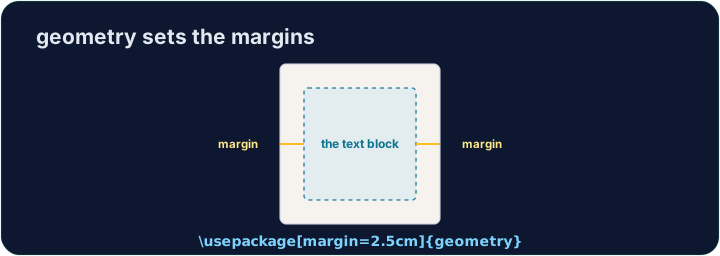
geometrypackage lets you set margins in one line:
\usepackage[margin=1in]{geometry}
- That gives a one-inch margin on all four sides. Try
2cm,1.5in, and see the text reflow.
Fine control
- You can set sides separately:
\usepackage[top=2cm, bottom=2cm, left=3cm, right=2cm]{geometry}
- Useful when a binding needs extra room on the left, for example.
Other handy commands
\newpageforces a page break;\todayprints the current date.\begin{center} ... \end{center}centres a block of text or an image.- These small tools let you shape a document to look exactly how you want.
Common mistakes
- Load the
geometrypackage to change the margins. - Let LaTeX handle spacing — avoid forcing it with manual blank lines.
Difficulty 2/5 · 140 coins + a small bonus on first completion today
The default margins are wide. Load the geometry package in the preamble with a one-inch margin: \usepackage[margin=1in]{geometry}. Run and watch the text spread out.
Click Run to compile and preview the PDF.
Difficulty 2/5 · 140 coins + a small bonus on first completion today
Control the flow of pages. Force the second section onto a fresh page with \newpage, and centre the title line with a center environment.
Click Run to compile and preview the PDF.