Run JavaScript anywhere
This page needs a recent browser (with SharedArrayBuffer support). Please update Chrome, Edge, Firefox or Safari to the latest version.
You already have everything
- JavaScript runs in every web browser — you do not need to install anything.
- This playground runs your code right here, on this page.
- Still, it is good to know you can run JavaScript in your own browser too.
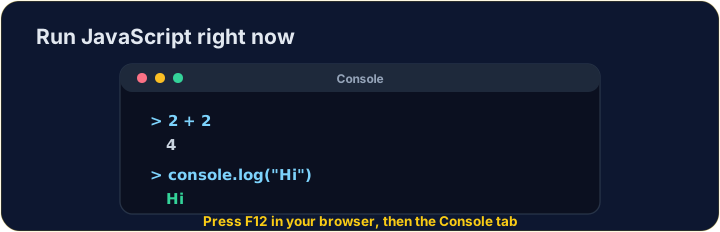
Try the browser console
- Open any web page, then press F12 (or right-click → Inspect).
- Click the Console tab.
- Type
2 + 2and press Enter — the browser answers4. You just ran JavaScript!
For bigger projects
- Install Node.js from nodejs.org — it runs JavaScript files outside the browser.
- Install VS Code from code.visualstudio.com — a free, popular editor.
- Save a file
app.js, then typenode app.jsin a terminal to run it.
You are ready
- In this course, just write code and press Run — the browser does the rest.
- Come back to this page whenever you want to set up your own tools.