console.log and comments
This page needs a recent browser (with SharedArrayBuffer support). Please update Chrome, Edge, Firefox or Safari to the latest version.
The language of the web
- JavaScript runs inside every web browser. It makes pages do things — buttons, games, maps, chat.
console.log(...)prints a message to the console, a window for text output.- Anything after
//is a comment. JavaScript ignores it — it is a note for humans reading the code.
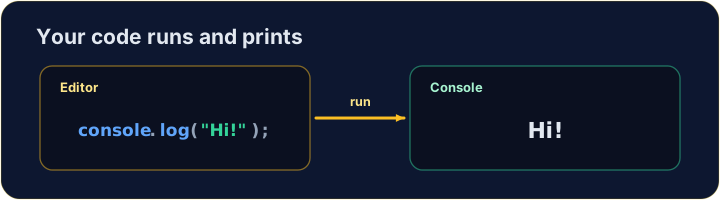
console.log("Hello, world!");   // → Hello, world!
// this whole line is a comment — it does nothing
Print text, numbers, or both
- Text goes inside quotes:
"hello". Numbers do not:42. - Pass several items separated by commas — they print on one line, with a space between.
console.log("Score:", 42);   // → Score: 42
console.log(3 + 4);          // → 7
Watch out
- Text needs quotes.
console.log(Hello)is an error — JavaScript hunts for something namedHello. - End each statement with a semicolon
;. It is a good habit, even where JavaScript would forgive you.
Common mistakes
console.log(...)prints; text needs quotes.//starts a comment.
Now you try
- Use
console.log(...)to print. - Press Run to see the output, then Check answer.
Use console.log(...) to print the word Hello.
Click Run to see the output here.
Print Red, Green and Blue, one per line, in that order.
Click Run to see the output here.
Print the result of 5 + 3 (it is 8).
Click Run to see the output here.